Portfolio Company Photography: A Guide for PE and VC Teams


October 25, 2026


Office photography logistics is everything that happens around the camera: who needs to be where, which rooms are free, what people are told in advance, how files are captured and backed up, and how finished images reach the people who will use them. Get these right and a corporate shoot takes a few hours and barely touches the workday. Get them wrong and you lose a morning to hunting for a conference room while executives wait.
This guide walks through the logistics in the order they happen: the brief, the timeline, space preparation, people and permissions, shoot day, and delivery. It is written for marketing managers, HR teams and operations leads who have been handed the job of organizing a shoot at their own office.
Logistics follow purpose. A team headshot day, a founder video, a customer case study and a fundraising announcement need different spaces, different amounts of time and different people in the room. Before anyone opens a calendar, answer four questions:
One company-blog guide to brand video prep frames a good brief around the buyer decision the content supports, the source material and evidence behind it, the participants and permissions, the readiness of the space, and the intended destination of each asset. That is a sound checklist for any office shoot, photo or video.
Keep the brief to one page that the photographer, your coordinator and your approvers can all read in two minutes. It should list:
If the shoot is meant to carry a story rather than just fill a library, it helps to think through the narrative first. These visual storytelling tips are a useful way to decide which moments are worth capturing before the shot list is locked.
For team portraits specifically, our own notes on corporate headshot guidelines and what to wear to a corporate headshot are worth sending to staff along with the brief.
The most common logistics failure is not equipment. It is a shoot booked on short notice, in a week when half the team is traveling.
Work backward from the date you need the final assets. A new website launch, a board meeting, a conference booth or an investor update each has a hard deadline. Then add:
If you are scheduling around a funding announcement, product launch or an acquisition integration, decide the announcement date first and place the shoot comfortably ahead of it, with a spare day in case someone is out sick.
A shoot day runs on the schedule. For portraits, a time-slotted list works far better than an open invitation. Typical practice is a short slot per person, with a buffer every few slots so one late arrival does not cascade through the day. Group people by department or floor so nobody walks across the building, and keep leadership slots at times when they are least likely to be pulled into meetings.
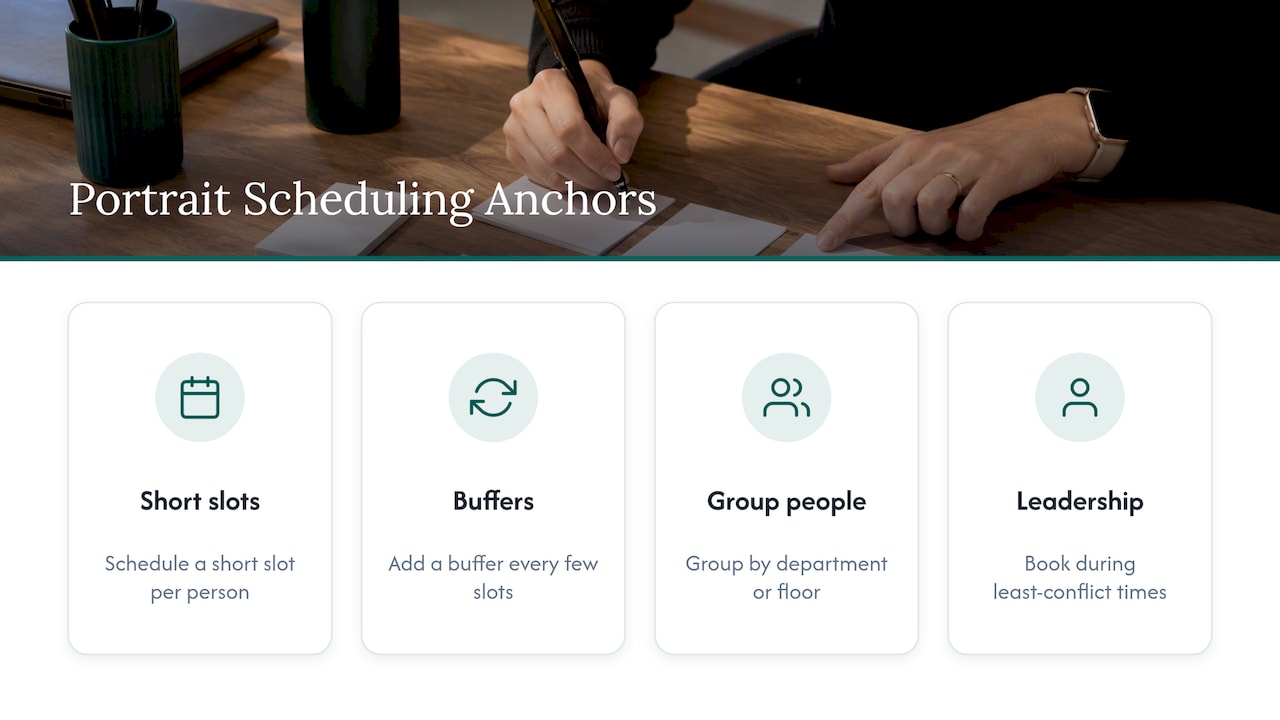
Our guides on scheduling headshots at work and organizing employee headshots go into slot lengths and sign-up methods in more detail.
Every smooth shoot has one person on the client side who knows the building, has authority to move people, and carries a phone all day. Their job is to greet the crew, confirm access, escort staff and be the single point of contact. Without that person, the photographer ends up negotiating with reception, facilities and department heads at once.
Preparation is the difference between a shoot that takes over the office and one that disappears into it.
Check these a week before:
For portraits, one room does most of the work. A conference room or quiet office with space for a backdrop and lights, a door that closes, and a power outlet nearby is ideal. Avoid rooms with glass walls onto busy corridors, because the foot traffic distracts subjects and the glare complicates lighting.
For video and environmental images, pick two or three locations that show how the company actually works: an open desk area, a meeting room, a lobby with signage. Our piece on environmental headshots in the office explains how to choose backgrounds that look professional without feeling staged.
Before the shoot:
For a video shoot, add sound to the walk-through: HVAC hum, nearby construction, an open kitchen and a printer outside the room all show up in audio.
If the space is new to the crew, a brief walk-through or a set of phone photos of each location a few days ahead saves the first hour of the day. Your photographer can then plan lighting, bring the right gear and flag problems, such as a room with no usable outlet, before the day.
This is where an otherwise tidy plan most often goes wrong, because it involves employees rather than equipment.
Send a short internal note at least a week out covering: why the shoot is happening, where and when, how long it takes, what to wear, and whether participation is required or voluntary. Make it easy to opt out or request a different slot. People who feel ambushed give stiff photos, and some will raise concerns with HR.
Get a signed image or video release from every person who will be photographed, covering where and for how long the images may be used. Collect them electronically before the day when possible. Include customers, partners or visitors who may be captured in the background, and plan to either get their consent or avoid shooting them. Your company’s counsel should approve the release wording, since requirements vary by state and use.
If employees will be photographed for external marketing, it also helps to have a written employee headshot policy covering who appears, how long images stay in use, and what happens when someone leaves.
Companies often have rules limiting photography and recording inside the office. Be careful how those rules are written and applied. The Fifth Circuit upheld the NLRB’s finding that a broad workplace recording ban violated the National Labor Relations Act, because employees could reasonably read it as prohibiting protected activity. For a shoot, the practical lesson is to define the exemption narrowly: the photographer is authorized, in specific areas, for a specific purpose, and your standing policy is not a license to restrict employees’ rights. Ask employment counsel if your policy needs a look.
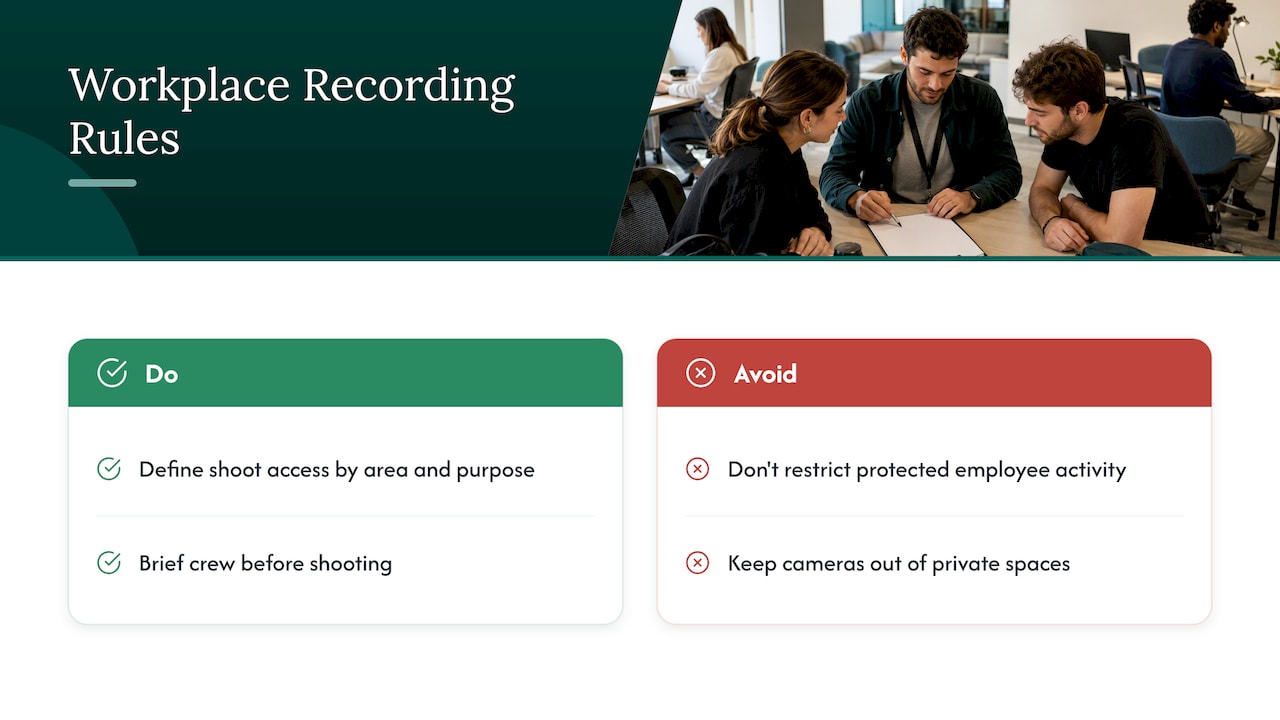
State law matters too. In Texas, for example, state guidance warns that invasive visual recording of coworkers, such as photographing in private areas, can be treated as a felony. For logistics, that means keeping cameras out of restrooms, changing areas, lactation rooms and similar private spaces, and telling the crew so before they start.
With the groundwork done, the day itself should feel unremarkable. Here is the typical flow for an on-site corporate shoot.
In professional workflow, nothing lives on a single card. Files are captured to the tethered computer and to the camera’s card, then copied to a second drive before the crew leaves the building. Ask your photographer how files are backed up on location and how long they are kept afterward. At the end of the day, do a quick review of the schedule against who was photographed, so anyone who was out sick can be captured in a follow-up session rather than discovered missing a month later.
Our photo day checklist is a longer version you can print and use.
A great shoot is only useful if the assets are findable, usable and properly licensed.
Before you sign, get clear answers to these:
Licensing deserves its own attention. Photography industry bodies stress that unauthorized use of imagery without a license can cause real economic harm to creators, which is why a written scope matters on both sides. Make sure your agreement states in plain words what you may do with the images, so a future campaign does not turn into a dispute.
The teams that get the most from a shoot treat the output as a library, not a folder dump.
For larger organizations, a policy on company-wide headshots helps standardize this across offices and acquisitions.
The same principles scale, but a few things change.
Multiple offices. Use the same brief, backdrop and lighting setup at every location so the final set looks like one company. A team that travels with its own portable studio helps, because visual consistency does not depend on each office’s available rooms.
After an acquisition or merger. Photograph both teams in the same style on the same schedule so the combined organization looks unified from day one. Coordinate with HR on who appears and when, and sequence the shoot after the internal announcement, never before.
After a fundraise. Founders often need a portrait set, a team shot and an announcement video all at once. Put the video interviews first, and book the shoot before the announcement date so assets are ready when press and investors look.
Conferences and events. Event photography has its own logistics: agreed shot lists for keynotes, networking and sponsors, a location for on-site portraits, and fast delivery for social posts during the event. Our event packages are built around exactly that rhythm.
After many on-site shoots, we see the same pattern. Teams spend their energy deciding how the photos should look and almost none on how the day will run. Yet the day is what determines whether people relax in front of the camera.
We design every project around a strategic goal, which is why we start with a discovery call rather than a quote. We ask what the images need to do, who will see them, and who is in the building that day. The logistics come from those answers: how many portable studios, how many hours, which rooms, and what the delivery plan looks like.
Our advice is simple. Name one coordinator. Tell employees early. Choose one quiet room. Collect releases beforehand. Insist on a clear delivery date and written usage rights. The photography itself is the easy part when the rest is settled.
— Kevin
Studio2U brings portable studios to your office, event or multiple locations, with live photo viewing, retouching and a five-day turnaround. Published pricing per shoot is:
| Package | Price | Best for |
|---|---|---|
| START UP | $2,500 | Smaller teams needing consistent portraits |
| STANDARD | from $2,000 | Branding photography for established teams |
| ENTERPRISE | from $3,500 | Larger or multi-location organizations |
| BRANDING ADD-ON | $1,000 | Adding branded imagery to a shoot |
| NETWORKING | $2,500 | Networking events |
| SUMMIT | $4,500 | Mid-sized summits |
| CONFERENCE | $8,000 | Full conference coverage |
If you want to talk through your space and schedule, start at studio2uheadshots.com and we will begin with a discovery call.
It covers planning and running a shoot at your workplace: the brief, scheduling, building access, room preparation, employee communication, releases, shoot-day flow, backups, and delivery of finished files. Put simply, it is everything except pressing the shutter.
Book weeks ahead, and earlier if you have a fixed deadline such as a launch, board meeting or announcement. Leave time after the shoot for selection and editing, and agree the turnaround with your photographer in writing.
Yes, as a practice you should collect a signed image or video release from everyone who appears, covering where and for how long the images are used. Have counsel review the wording, because state rules and your intended uses vary.
Use one dedicated room for portraits, a time-slotted schedule with small buffers, and a single coordinator to move people. Tell neighboring teams which areas will be busy or noisy, and confirm access with building management beforehand.
